
Executive leadership
Practice decisions. Lead through uncertainty.A shared status picture, critical updates and decision-making exercises focused on organizational continuity.
VRescue360 is an emergency exercise management platform for organizational preparedness training. Plan scenarios, coordinate teams, manage tasks and document decisions — from exercise preparation to debriefing and improvement follow-up.
Product screens with illustrative demo data only
For organizations that need to keep operating
From executive decisions to individual action: proMixed connects professional emergency exercise management with practical, experiential training.
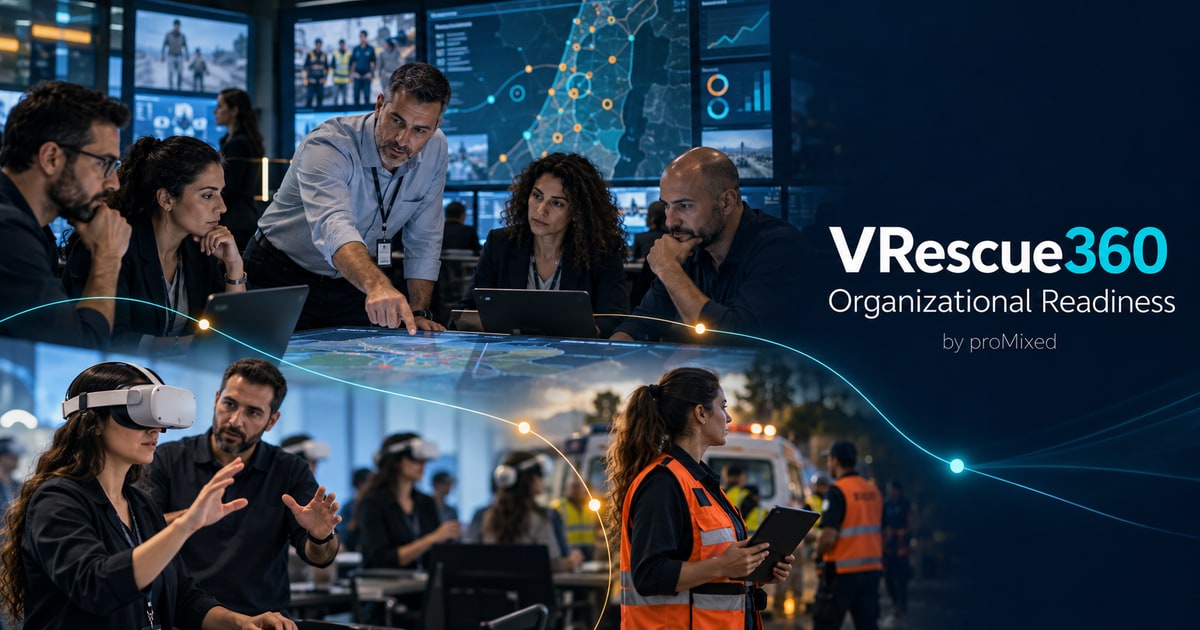
VRescue360 supports exercise planning, role-based participation, documentation and debriefing. proMixed training solutions complement the program according to the organization’s needs.
Build your organization’s training programA shared status picture, critical updates and decision-making exercises focused on organizational continuity.
Practice procedures, resource coordination and communication between the control room and operational teams.
Role-specific tasks, relevant information and documented reporting throughout the exercise.
Exercise interfaces with external partners, define responsibilities and coordinate continuity within assigned permissions.
Build familiarity with emergency situations through guided learning and experiential training, including proMixed VR solutions tailored to the program.
Connect work that often lives across documents, messages and meetings. Give each participant the information and actions relevant to their role.
Define essential services, dependencies, procedures and objectives. An approved profile becomes the foundation of your exercise.
Structured briefings, staged updates, tasks and ownership. Preserve the reasoning behind each decision.
An exercise director, domain facilitators and distinct permissions for inject preparation, publishing, evaluation and communication.
Display locations and resources, filter their status and export GeoJSON. The map reflects reports entered into the exercise.
Team and private exercise chats alongside an internal facilitator channel. Messages are documented according to permissions.
A combined timeline, observations and findings. Turn lessons into improvements with owners, target dates and follow-up.
Bring geographic context into an exercise: from current road traffic to incident locations and simulated alternative routes.
A Google Maps layer displays current traffic conditions, subject to provider coverage and permissions. This animation illustrates the capability.
Vehicles and routes in this animation are simulated. Exercise alternatives are drawn manually; they are not navigation advice or automatic Google routing. Additional GIS integrations depend on available interfaces.
Explore your scenario with usSelect a stage to see how information progresses from understanding the organization to an improvement plan.
Define essential services, assets, dependencies and success criteria.
Organization and exercise permissions jointly determine the information and actions available to each user.
Book a demoOrganizational structure, users, permissions, exercises and debriefs.
A management hierarchy, action permissions and an internal coordination channel.
Relevant tasks, reports and communication, including from mobile devices.
Record observations or view authorized information, according to role.
AI supports organizational diagnosis, exercise planning and review, with professional approval at each decision point.
Analyze approved procedures and identify relevant goals.
Suggest exercise drafts, injects and role-based tasks.
The exercise manager checks sources, assumptions and applicability.
Help organize documented findings and propose improvement actions.
Document analysis and exercise drafts are available to authorized teams, subject to configured AI access and budgets. Sources and AI output require professional review; exercise activation remains under manager control.
Explore VRescue360 emergency drill management software: scenario briefing, team communications, exercise control, debriefing and GIS situational awareness. All screens use demonstration data; click to enlarge.
Application screenshots are shown in Hebrew. This website is available in English; the application interface is currently Hebrew.
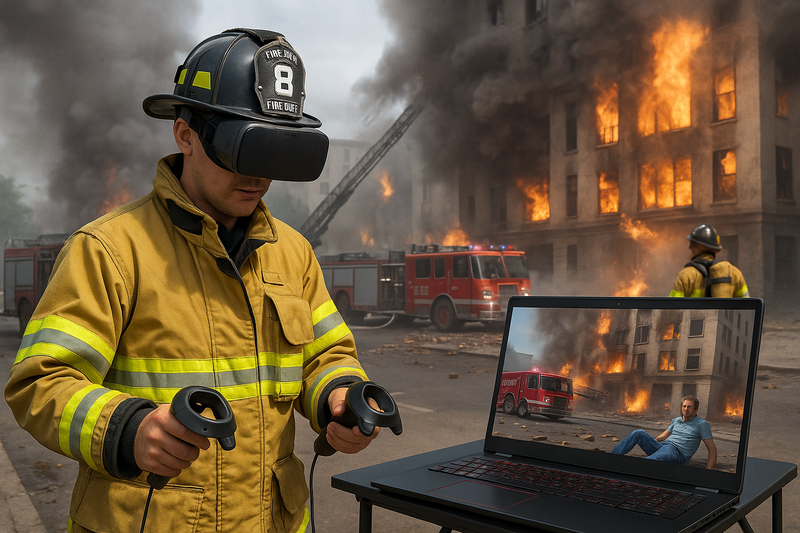

Since 2015, proMixed has developed and implemented virtual reality, augmented reality and simulation solutions for training, safety and emergency preparedness. VRescue360 brings technology, scenario design and learning together in organizational exercises.
We explore your objectives and training approach, then demonstrate how the platform can support your roles, coordination and debriefing process.
Meet proMixedHave a question about your organization? Let’s talk.
Book a demoEmergency exercise management software helps organizations plan scenarios, assign roles, coordinate exercise injects and tasks, and document decisions. VRescue360 supports this workflow through debriefing and improvement follow-up, helping teams practice emergency preparedness and business continuity scenarios.
Emergency preparedness, business continuity, safety, training and operations managers, and the people participating in organizational exercises.
Yes. Configure the profile, objectives, briefing, roles, tasks and injects. Your qualified professionals should review and approve procedures and scenarios.
No. Organization and exercise permissions work together. Configure access to tasks, communication and capabilities, and run a control team with its own internal channel.
Yes. The browser-based platform adapts to mobile devices. Permissions help focus participants on their relevant tasks and communications.
Yes. Messages and actions form part of the record according to permissions. In exercises with a control team, the director and platform super admin can review the combined record.
Not to use the browser-based platform. proMixed offers additional VR and simulation solutions; integration into a project is assessed separately against your needs.
Automatic connections to operational systems should not be assumed. Maps and reports reflect information entered into the exercise. Integrations and specific requirements are assessed separately.
Tell us about the challenge, the people and your objectives. We will arrange an introduction and a demo focused on your needs.
service@promixed.co.il03-7166999proMixed Ltd. · Company no. 515763357
27 HaRokmim Street, Holon, Israel
The details you submit are stored in the VRescue360 database and used by proMixed to respond to your inquiry and arrange a demo. They may be processed by the hosting and email providers supporting this service. Submitting an inquiry does not subscribe you to a newsletter. To request access, correction or deletion, contact service@promixed.co.il. Do not submit sensitive operational information.
התמונות באתר להמחשה בלבד. חלקן נוצרו באמצעות כלי בינה מלאכותית (AI).
Images on this website are for illustrative purposes only. Some were created using artificial intelligence (AI) tools.